Offline Dictation for Mac: How WhisperBud Works
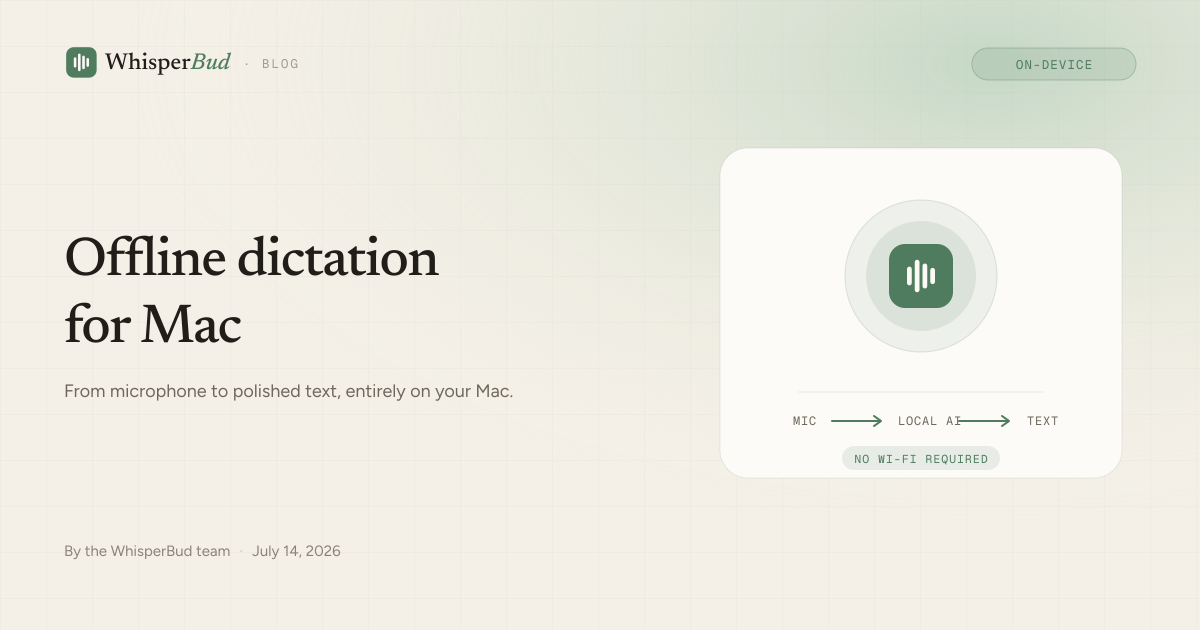
Turn off Wi-Fi, hold Fn, speak, and release. Your words still appear at the cursor, cleaned up and formatted. That works because the entire dictation path lives on your Mac.
YOUR MAC DOES THE WORK
The short answer
WhisperBud does not need the internet to record your voice, turn it into text, clean up the result, or place it in the app you are using. Those jobs run locally with models stored on your Mac.
The internet is part of setup, not the everyday dictation loop. You need a connection to download and install the app, create or sign in to your account, and fetch the local speech and formatting models the first time. Once those models are in place, you can disconnect.
What happens after you release Fn
Cloud dictation apps usually upload audio, wait for a remote speech service, send the transcript through another remote model, and return the result. WhisperBud keeps that path inside your computer.
- Your Mac records the audio. Hold the Fn key and WhisperBud listens through the microphone permission you granted during setup. The recording stays on the machine.
- A local speech model transcribes it. On Apple silicon, WhisperBud uses the Mac’s GPU to turn speech into text. There is no audio upload and no server queue.
- Local cleanup makes it readable. A fast punctuation path handles straightforward speech. Harder dictations, such as self-corrections, lists, and longer paragraphs, can be cleaned by a small language model that also runs on the Mac.
- The finished text lands at your cursor. WhisperBud uses macOS Accessibility permission to insert the result into the field you were already using.
- Your local tools keep learning. Dictation history, usage detail, and custom dictionary entries are stored locally, so names and replacements remain available without Wi-Fi.
No step in that chain requires a network response. A weak connection cannot make the transcription server slow, because there is no transcription server in the loop.
What you need to download first
On-device AI has to live somewhere. In WhisperBud’s case, it lives on your Mac. The app itself stays a manageable download, then setup fetches the larger local models it needs.
That first run needs a stable connection and several gigabytes of free disk space. Let both the speech model and formatting model finish downloading before testing offline. WhisperBud caches them on the machine and loads them from disk on future launches, so it does not pause at startup to check for a newer copy.
You also need to sign in once while online. WhisperBud stores the session on your Mac and treats a temporary refresh failure as a network outage, not as a reason to disable local dictation. That is what lets a previously signed-in Mac keep working when the connection disappears.
What works offline, and what does not
| Task | Works offline? | Why |
|---|---|---|
| Record and transcribe | Yes | Microphone capture and speech recognition run locally. |
| Punctuation and cleanup | Yes | The formatter and language model are stored on the Mac. |
| Type into other apps | Yes | Text insertion uses macOS Accessibility, not a web API. |
| History and dictionary | Yes | They are kept in a local database. |
| Install and first-time setup | No | The app, account, and local models must be downloaded first. |
| Usage and plan sync | Waits | Aggregate counts can sync after your connection returns. |
| Updates, billing, and support | No | These features communicate with online services. |
There is one more practical distinction: WhisperBud can type into an offline app, but it cannot make that app offline-capable. You can dictate into Notes, Pages, a local Markdown file, or a code editor on a plane. You can also dictate into Slack with no Wi-Fi, but Slack still needs a connection before it can send the message.
Offline does not mean air-gapped
“Works offline” means the core feature does not depend on a live connection. It does not mean WhisperBud will never use the network when one is available.
When you are online, the app can check for updates, load account and plan information, fetch support content, and sync aggregate usage totals for the weekly allowance. Those totals contain counts such as words per day and number of dictations. They do not contain your audio or the transcript itself.
Just as importantly, WhisperBud does not queue your recordings for a later upload. Reconnecting does not send yesterday’s audio or text anywhere. What you said stays on the Mac.
How to prepare before you go offline
If you are heading onto a flight, into a low-connectivity office, or simply want to test the local path, prepare once:
- Install WhisperBud and sign in while connected.
- Finish onboarding and wait for the local models to complete their downloads.
- Grant Microphone, Accessibility, and Input Monitoring permissions.
- Run one test dictation: click into a text field, hold Fn, speak, and release.
- Turn off Wi-Fi and repeat the same test in an app that works locally.
If the second dictation appears, that is the whole architecture made visible: your voice went from the microphone to polished text without leaving the computer.
FAQs
Does WhisperBud need an internet connection?
Not for everyday dictation. After you install WhisperBud, sign in, and complete the one-time model downloads, recording, transcription, cleanup, and text insertion all run locally on your Mac. Internet is still needed for first-time setup, updates, billing, support, and syncing aggregate usage counts.
Can I use WhisperBud on a plane?
Yes. Set it up and let the local models finish downloading before you leave. Then you can dictate into any Mac app that works offline, including Notes, Pages, a code editor, or a local document.
Does WhisperBud upload my audio when I reconnect?
No. WhisperBud does not upload your audio or transcript later. Only aggregate usage totals—daily word and dictation counts, edited outputs, and word/character change totals—sync; the words you spoke stay on your Mac.
What happens if Wi-Fi drops while I am dictating?
The dictation itself continues because the microphone, speech model, formatter, and text insertion path are local. Cloud-only features may wait or show cached information until the connection returns.
Product behavior checked against WhisperBud’s current desktop architecture in July 2026. Model sizes and setup details can change as the app improves.
Take your voice anywhere.
Private, on-device dictation that keeps working when the Wi-Fi does not.
Download for Mac