Best Private Wispr Flow Alternative for Mac
Wispr Flow is fast, polished, and cross-platform. The trade-off is that transcription is cloud-based and Pro costs more. If you want the same hold-to-talk feeling on a Mac, with on-device processing by default and a lower monthly price, this is the cleaner route.
THE MAC-FIRST, LOCAL-FIRST ALTERNATIVE
Why look for a Wispr Flow alternative
Let’s be fair to Wispr Flow first. The dictation feel is great, the formatting is smart, and it runs on Mac, Windows, iPhone, and Android. If you talk all day across a pile of devices, it earns its fans. This is not a takedown.
But there are three things people keep running into, and they’re the reason this page exists.
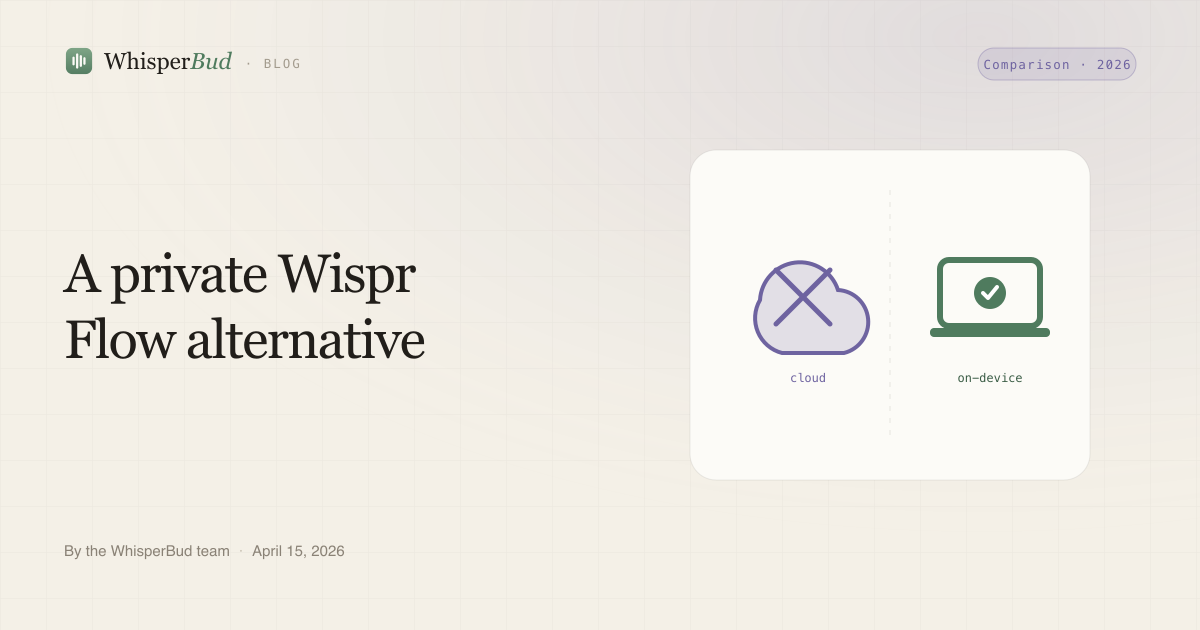
First, privacy. Wispr Flow transcribes in the cloud, so your audio leaves your machine to become text. It offers privacy controls, but that is still different from local processing by default. For legal, healthcare, NDA, or half-formed startup work, that default matters. Our piece on whether Mac dictation is private walks through what “on-device” actually means.
Second, the price model. Wispr Flow Pro is $15/month, or $12/month if you pay for the year up front (as of 2026). There is no one-time option. You rent it forever. For a tool you use every single day, that adds up fast and never stops.
Third, the free tier is tight. Wispr Flow gives you 2,000 words a week on desktop before you hit the wall. If you dictate even a little seriously, you’ll blow through that in a couple of work sessions.
WhisperBud, the on-device alternative
WhisperBud is a Mac-only dictation app built around one idea: the complete dictation path stays on your Mac. Parakeet handles speech recognition and a small local LLM cleans up text on your machine, so it works with Wi-Fi off after the one-time model downloads.
The workflow is the part Wispr Flow users will recognize instantly. Hold the Fn key, talk, let go. A second later the cleaned-up, formatted text is inserted right where your cursor is, in whatever app you’re in: Cursor, Claude Code, VS Code, Terminal, Slack, Notion, Mail, a browser, your notes. No window to copy out of.
The formatting is doing real work, not just dropping raw transcript. WhisperBud strips filler words, handles spoken self-corrections, lays out email greetings and sign-offs, and remembers names or brands you correct so you fix them less over time.
On price, the free tier includes 2,000 words a week. The unlimited monthly plan costs $9 (as of 2026).
One honest caveat: first-time setup needs internet for sign-in and the local model downloads. Account, billing, updates, support, and aggregate usage-count sync also use online services. The dictation itself does not: audio and transcript text stay on the Mac.
WhisperBud vs Wispr Flow
Here’s the side by side on the things that actually differ. Prices are USD as of 2026 and can change.
| WhisperBud | Wispr Flow | |
|---|---|---|
| Transcription | On-device by default | Cloud, always |
| Audio leaves your Mac? | No by default | Yes |
| Private by default? | Yes | Cloud-based, with privacy controls |
| Works offline | Yes | No |
| Free tier | 2,000 words / week | 2,000 words / week (desktop) |
| Paid price | $9/mo, unlimited words | $15/mo, or $12/mo billed yearly |
| One-time purchase | No | No |
| Platforms | macOS only | Mac, Windows, iPhone, Android |
| Languages | English-focused | 100+ languages |
The pattern is clear. WhisperBud trades reach for privacy and a flat price. Wispr Flow trades the private-by-default approach for breadth. Which one wins depends entirely on what you need, and the next section is the honest version of that.
Where Wispr Flow still wins
WhisperBud is Mac-only. That’s the whole story for some people. If you dictate on a Windows laptop, an iPhone, or an Android phone, WhisperBud simply can’t help you and Wispr Flow is the better pick. Don’t fight it.
If you’re also looking at Superwhisper, we put all three head to head in WhisperBud vs Wispr Flow vs Superwhisper.
How to switch
Moving over takes about five minutes, and you don’t have to cancel Wispr Flow first to try it.
Download WhisperBud and install it. On first run it pulls down the local speech and cleanup models. Grant microphone and accessibility permissions so it can hear you and type at your cursor. Then it is the same muscle memory: hold Fn, talk, release, and watch the text land. Use the free 2,000 words a week to kick the tires. If it sticks, the unlimited plan costs $9 a month.
You can run both side by side for a week and see which one you reach for. Most people who care about the privacy default stop reaching for the cloud one.
FAQs
Is there a free Wispr Flow alternative?
Yes. WhisperBud includes 2,000 free words a week. The unlimited monthly plan costs $9.
Does WhisperBud send my voice to the cloud like Wispr Flow?
No. WhisperBud runs speech recognition and cleanup on your Mac, so everyday dictation works offline without sending audio or transcript text to a cloud formatter.
Is WhisperBud cheaper than Wispr Flow?
WhisperBud's unlimited plan is $9 monthly. Wispr Flow Pro is $15 monthly or $12 monthly when billed annually. Prices are USD as of June 2026.
When should I pick Wispr Flow over WhisperBud?
Pick Wispr Flow if you need Windows, iPhone, Android, or broad multilingual support. Pick WhisperBud if your work lives on a Mac and you want private, on-device dictation at a lower monthly price.
Sources checked June 2026: Wispr Flow pricing, Wispr Flow privacy, and WhisperBud pricing. Prices can change.
A Wispr Flow-style workflow, local by default
Same hold-to-talk feel, on-device by default, with 2,000 words a week free or unlimited words for $9 monthly.
Download for Mac