Best Superwhisper Alternative for Mac
Superwhisper is powerful: local models, cloud options, custom modes, and plenty to tune. But if you looked at all those knobs and thought, “I just want to talk and get clean text,” WhisperBud is the simpler Mac-first alternative.
LESS SETUP. PRIVATE BY DEFAULT. ONE PRICE.
Why people look past Superwhisper
Let me be fair up front: Superwhisper is powerful. It runs on-device models so it works offline, it offers cloud modes where you bring your own model (GPT, Claude, and others), and the whole thing is built to be configured exactly how you want. For someone who loves tuning their tools, that is a feature, not a bug.
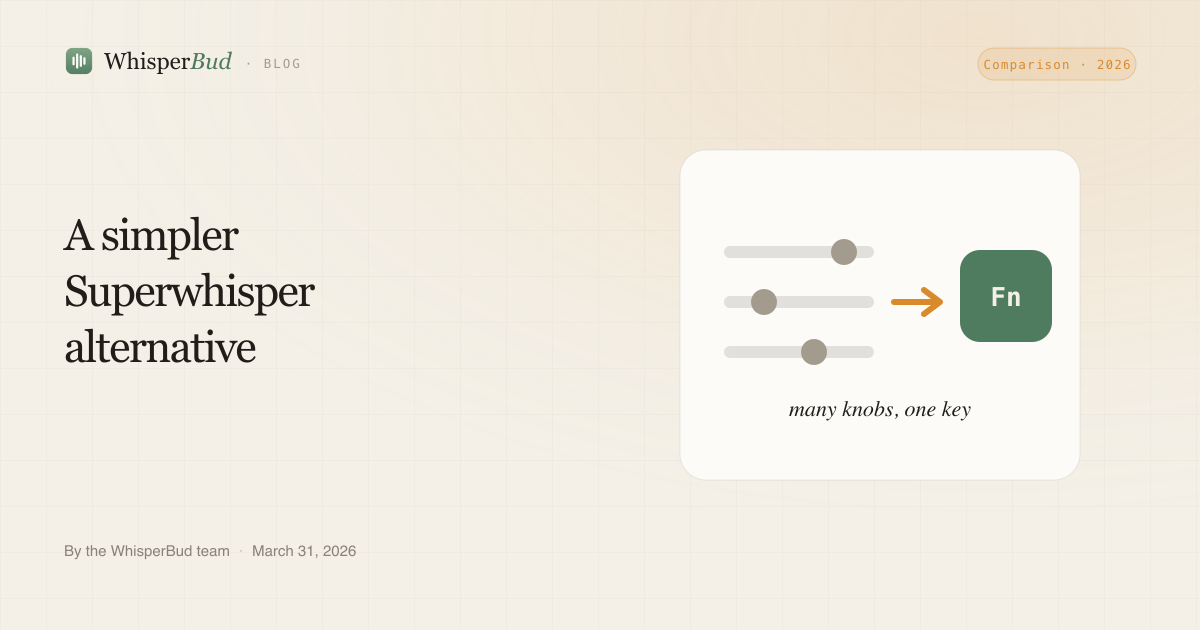
The flip side is that all that power has to be set up. You pick a mode. You download models. You wire up hotkeys. Cloud modes mean choosing and connecting a model. None of it is hard for a tinkerer, but it is real work before you say your first word, and it is exactly the kind of work a lot of people do not want from a dictation app.
Two other things shape the choice. Superwhisper Pro is listed at $8.49 monthly, while WhisperBud offers unlimited words for $9 monthly. The larger difference is privacy and setup. Superwhisper can run locally, but it also offers cloud workflows, so privacy depends on the mode you choose. WhisperBud keeps the local path as the default.
WhisperBud, the simpler alternative
WhisperBud takes the opposite stance. It does fewer things, on purpose, so the thing it does has almost no surface to learn. You hold the Fn key, you talk, you release. Clean, formatted text drops in at your cursor in whatever app you are in, Cursor, Claude Code, VS Code, Terminal, Slack, Notion, Mail, or a browser. There is no mode to pick first.
It is private by design, and that is not a mode you have to remember to choose. Parakeet handles speech and a small local LLM cleans it up, both on your Mac. After the one-time setup downloads, your audio and transcripts stay on the machine and dictation works without internet. Online account, plan, support, and update features remain separate from that local dictation path.
The formatting is where the “don’t hand-clean transcripts” promise lives. WhisperBud strips filler words, handles spoken self-corrections, lays out email greetings and sign-offs, and remembers names or brands you correct so the same mistake happens less often.
WhisperBud vs Superwhisper
Here is the honest side-by-side. Prices are USD as of 2026 and can change.
| WhisperBud | Superwhisper | |
|---|---|---|
| Platforms | macOS only | Mac, Windows, iOS |
| Privacy default | On-device by default; stays on your Mac | Depends on the mode you pick |
| Works offline | Yes | Yes, in local modes |
| Setup | Hold Fn and talk | Modes, model downloads, hotkeys |
| Model choice | Fixed local speech and cleanup models | Yes, bring your own (GPT, Claude, more) |
| Auto cleanup | Filler removal, self-correction, email layout, learning dictionary | Configurable via modes and prompts |
| Free tier | 2,000 words/week | Free tier, small local models |
| Price | $9/mo, unlimited words | $8.49 monthly; yearly and lifetime options listed |
The pattern is clear. Superwhisper gives you more control and more reach, and asks for more setup. WhisperBud gives you less to configure, one fixed monthly price, and privacy you do not have to manage. If you want the wider picture, the WhisperBud vs Wispr Flow vs Superwhisper breakdown puts a third option next to both.
When Superwhisper is the right call
I am not going to pretend WhisperBud wins every time. Pick Superwhisper if you want to swap between models and judge their output yourself, if you live in custom prompts and per-app modes, or if you need it on Windows or iPhone where WhisperBud simply does not run. Those are real needs, and Superwhisper serves them well. If model choice and tuning are the whole point for you, the extra setup is not a tax, it is the product.
WhisperBud is the better pick when you want one fast gesture, text that comes out clean without a prompt library, and a Mac that keeps your words to itself by default. If on-device privacy is the deciding factor, our roundup of the best private on-device dictation apps for Mac compares the local-first options head to head.
Getting started
Trying WhisperBud takes about a minute, and you do not need to decide anything about modes. Download WhisperBud, grant microphone and accessibility access on first launch, then hold Fn and start talking in any app. The free tier gives you 2,000 words a week, which is plenty to feel whether “hold a key and talk” fits your day. If it sticks, the unlimited plan costs $9 monthly.
FAQs
Is there a simpler alternative to Superwhisper on Mac?
Yes. WhisperBud cuts the setup down to one gesture: hold the Fn key, talk, release, and clean text appears at your cursor in any app. There are no modes to pick, no model downloads to manage, and no per-app hotkeys to wire up before you start.
How does WhisperBud pricing compare with Superwhisper?
WhisperBud is $9 monthly for unlimited words, with 2,000 words a week free. Superwhisper Pro is listed at $8.49 monthly, with yearly and lifetime options. Choose based on the workflow and privacy model, not a price claim.
Is WhisperBud more private than Superwhisper?
WhisperBud keeps speech recognition and cleanup on your Mac. Superwhisper can also be private in local modes, but privacy depends on which mode and model you choose.
When is Superwhisper the better choice?
Pick Superwhisper if you want model switching, custom prompts, per-app modes, Windows, or iOS. Pick WhisperBud if you want Mac-only dictation with fewer knobs and local processing as the default.
Sources checked June 2026: Superwhisper, Superwhisper docs, and WhisperBud pricing. Prices can change.
Talk. Get clean text. Skip the setup.
Private by default and Mac-native, with 2,000 words a week free or unlimited words for $9 monthly. No modes to configure first.
Download for Mac